

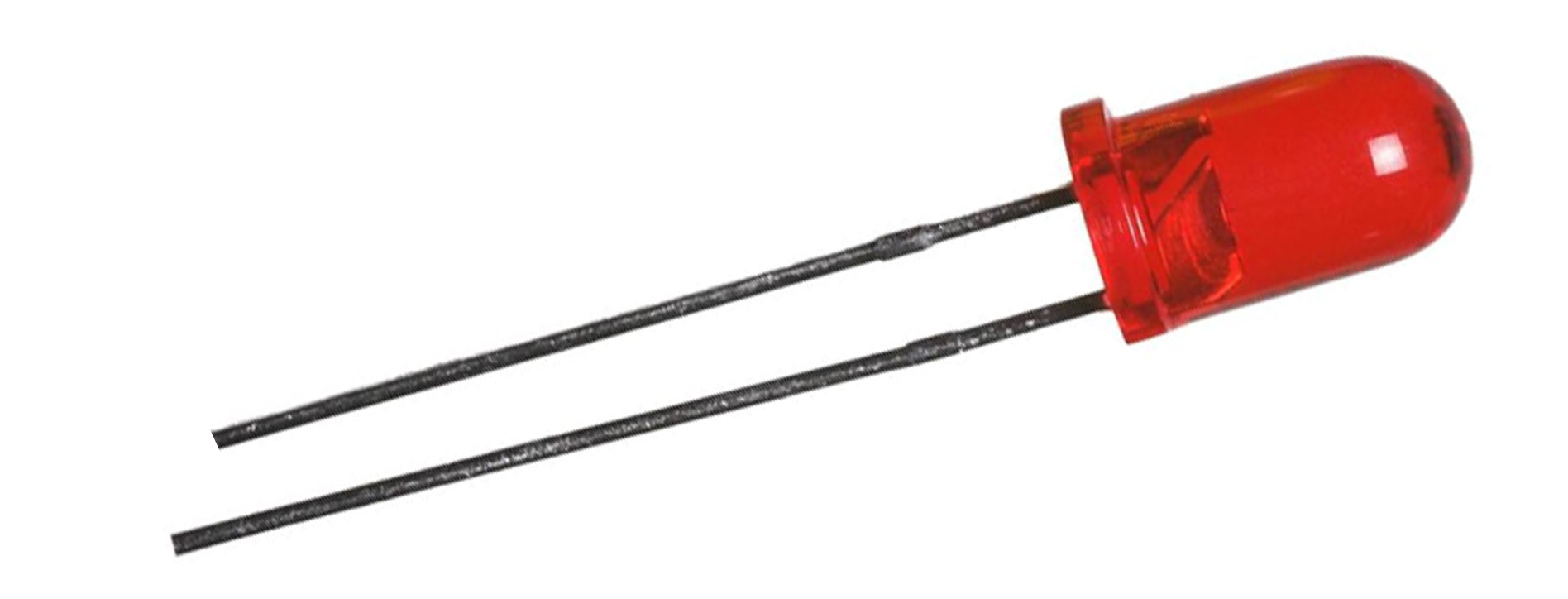
Section 1: Overview & How It Works
Have you ever wondered what makes the tiny indicator lights on your favorite gadgets glow? Meet the Light Emitting Diode, or LED for short. Unlike traditional incandescent light bulbs that use a fragile filament, an LED is a solid-state semiconductor component designed to convert electrical energy directly into visible light efficiently.

At the heart of every LED is a tiny chip made from materials like Aluminum Gallium Indium Phosphide. When an electrical current passes through this material in the forward direction, electrons release energy in the form of photons. This process produces a bright, clean illumination without wasting energy as heat. Because they require very little power and are incredibly robust, they are a staple in almost every electronics project.
When working on a DIY soldering practice kit, understanding orientation is crucial. LEDs are polarized, meaning electricity can only flow through them in one direction. They feature a longer leg, called the anode, which connects to the positive side of your circuit. The shorter leg, known as the cathode, connects to the negative side. Reversing this orientation will not damage the component under low voltages, but it will prevent the light from turning on.
Section 2: Real-World Use in Arduino Projects
For anyone diving into the maker community, the humble LED is almost always the starting point for learning hardware interaction. It provides immediate visual feedback, allowing you to confirm that your circuit design and programming logic are functioning correctly.
Within the Arduino ecosystem, an LED serves as an ideal output component for beginner-friendly STEM and STEAM applications. For instance, you can integrate one into a smart home system where a motion sensor triggers the light to turn on automatically. Another classic project involves building a countdown timer or a visual indicator for a temperature monitoring system, where the light changes states based on environment data.
Because these components are highly sensitive to current, they are typically paired with a small resistor in series to prevent them from drawing too much power. Whether you are learning soldering for the first time or prototyping an interactive gadget, mastering this versatile component opens the door to countless creative possibilities in electronics.
See It in the Testudo Kit
Every component in this guide is part of the Testudo soldering practice kit — a hands-on way to learn electronics, soldering, and Arduino coding from the ground up.


