

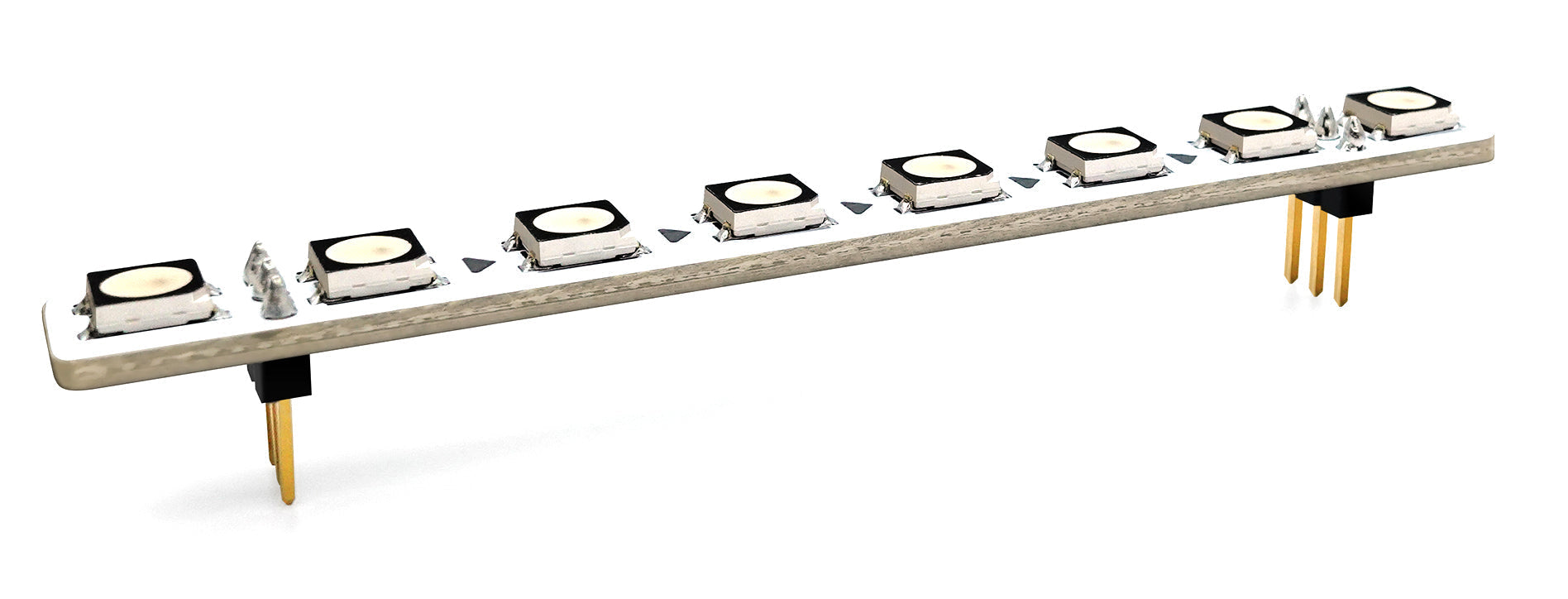
Section 1: Overview & How It Works
If you have ever wanted to add a dynamic splash of color to your electronics projects, the amomii Glow addressable RGB LED strip is the ultimate tool for the job. Unlike traditional light strips where every light changes color at the exact same time, addressable strips like the amomii Glow let you control each individual light pixel independently. This means you can create intricate animations, rainbow waves, or localized blinking patterns all from a single setup.

At the heart of this flexibility is a tiny integrated circuit embedded directly inside each light pixel. When you send a command down the line, each pixel reads its assigned color data and passes the remaining instructions to the next pixel in the chain. This clever design ensures that you only need a single digital data pin from your controller to dictate the behavior of dozens of lights, drastically simplifying your wiring.
Section 2: Real-World Use in Arduino Projects
For anyone diving into the world of DIY electronics, addressable lights are incredibly popular within the Arduino ecosystem. Because they require minimal wiring, they are highly beginner-friendly and serve as excellent companions for a soldering practice kit. Connecting them involves linking just three paths: power, ground, and the digital signal line that transmits your custom lighting patterns.
Once wired, a maker can easily orchestrate complex visual behavior using the Arduino IDE. By utilizing accessible coding libraries, you can write straightforward C++ commands to control brightness, timing, and color palettes. It is a fantastic way to bridge the gap between hardware assembly and software development for STEM enthusiasts.
Here are a few practical ways hobbyists utilize these vibrant components:
- Interactive Ambient Lighting: You can couple the light strip with an ultrasonic distance sensor. As an object moves closer to the sensor, the lights can change from green to yellow, and finally to red, creating a responsive visual proximity alarm.
- Custom Desk Visualizers: By integrating a sound-detector module with your controller, you can program the addressable lights to dance in sync with your favorite music, turning a basic room setup into a personalized audio-reactive light show.
See It in the Testudo Kit
Every component in this guide is part of the Testudo soldering practice kit — a hands-on way to learn electronics, soldering, and Arduino coding from the ground up.


