

Uploading the Project
If you haven't already uploaded the Mini Sequencer code to your device, there are two ways to do it:
1.Use amomii Link. amomii Link is our proprietary tool for uploading code directly from our website.
- Go to Mini Grand Link and choose your project. Today we’re picking Mini Sequencer.
- Read about the amomii Link tool.
2.Manual Installation: Go to the Toolbox, download the code and upload it to your device using the Arduino IDE (if you don't know what that means, use option one!)
- Go to Toolbox.
What it Does
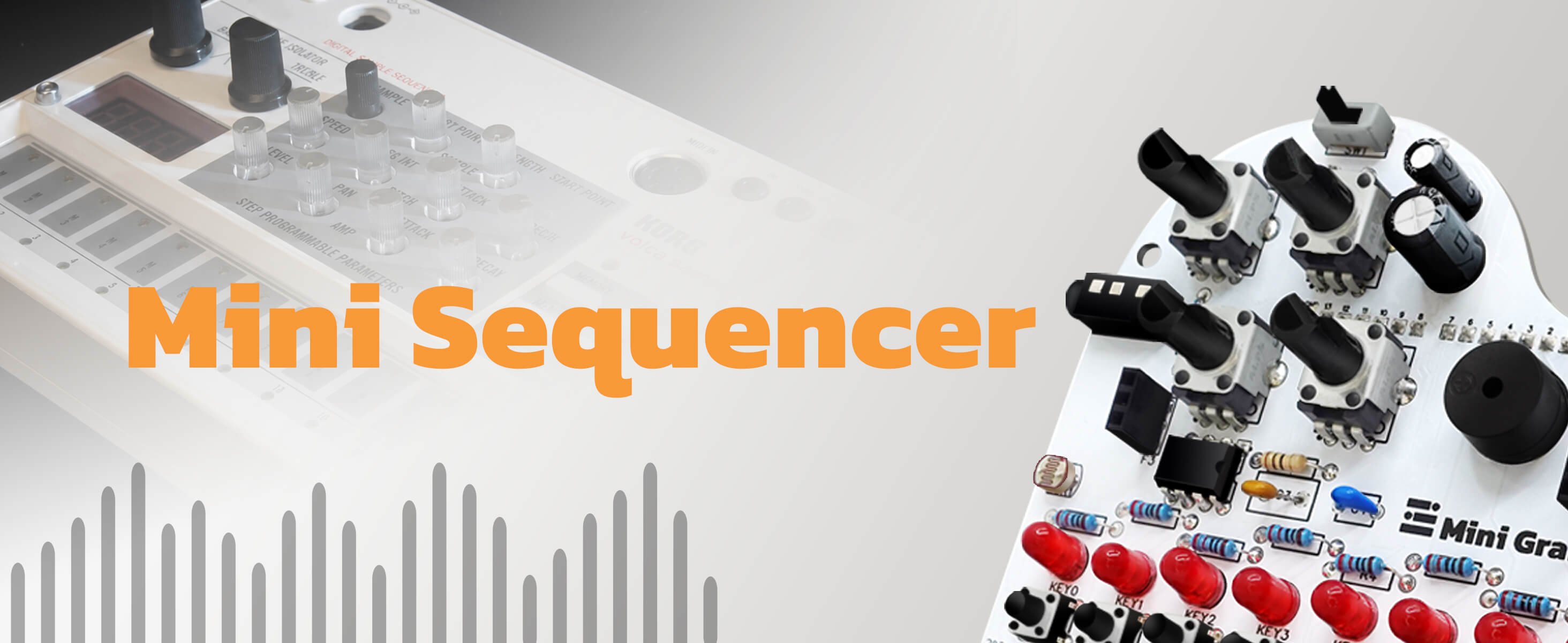
This is a project that turns your Mini Grand into a looping sequencer. This project allows you to create rhythmic patterns and sound effects by controlling the speed, pitch, and scale of the notes. While it plays, the Glow strip displays a rainbow effect that also tracks the current position of your sequence.
Getting Started
Once you upload the code and turn on your Mini Grand, you will hear a startup sound and see the rainbow lights. To get the sequence moving, simply press KEY 0, which will be glowing red.
Navigating the Sequence
As soon as the sequencer starts, the LEDs on the Glow strip act as a progress bar. They will light up one by one to show the current position. When the sequence reaches the end, the lights reset and the loop starts over. You will hear a sound from the buzzer for every step in the sequence.
Customizing the Sound
You can use the potentiometers (knobs) on your Mini Grand to change how the sequence sounds in real time:
-
Adjusting Speed (POT_A2): Turning this knob clockwise will slow the sequence down, while counter-clockwise speeds it up. If you turn it all the way up, the notes play so fast they sound like a laser effect.
-
Selecting Sequences (POT_A3): There are twelve different pre-written sequences programmed into the code. You can cycle through them using this knob until you find a pattern you like.
-
Changing Pitch (POT_A0): Use this knob to adjust the overall pitch of the notes being played.
The MG_Sequencer is designed to be explored by ear—just tweak the knobs until you find a sound you enjoy. If you eventually want to dive into the technical side and customize the actual scales or notes, you can find more details in the appendix here.


